Get both apps ready
Open Circle Share on your Android phone and Android TV.
Move your selected files between nearby Android devices with Circle Share's dedicated TV experience.
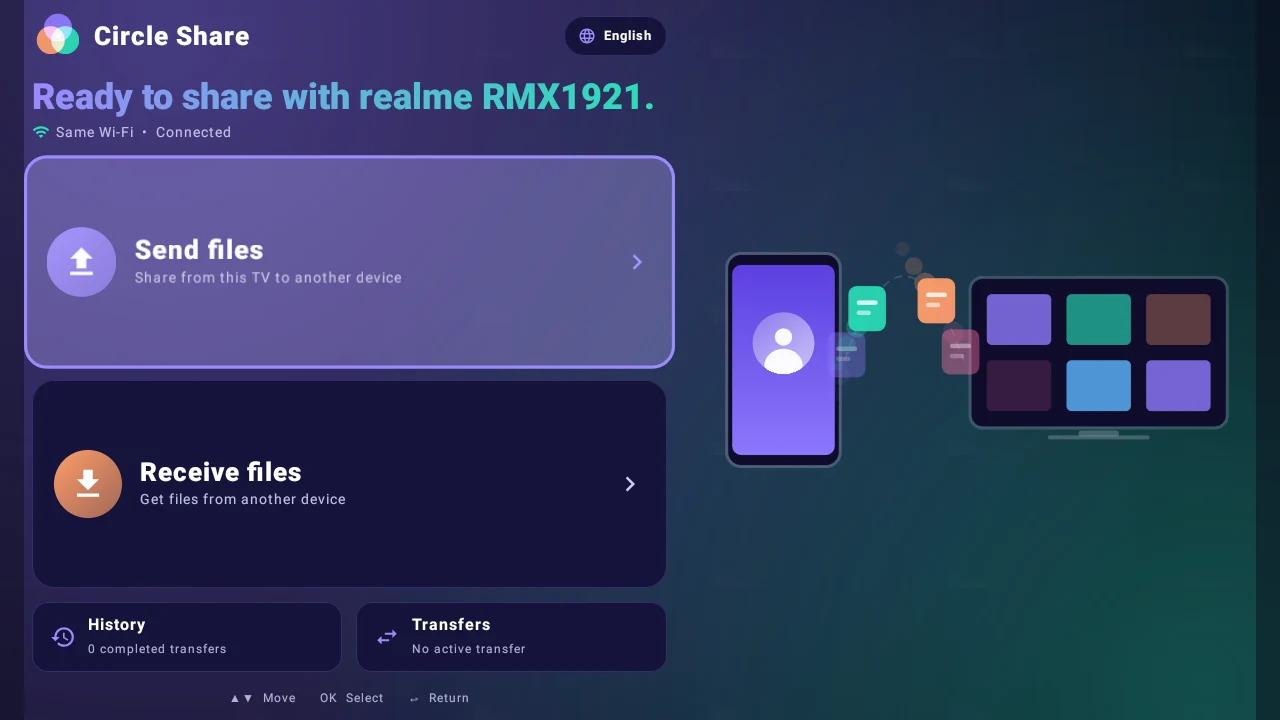
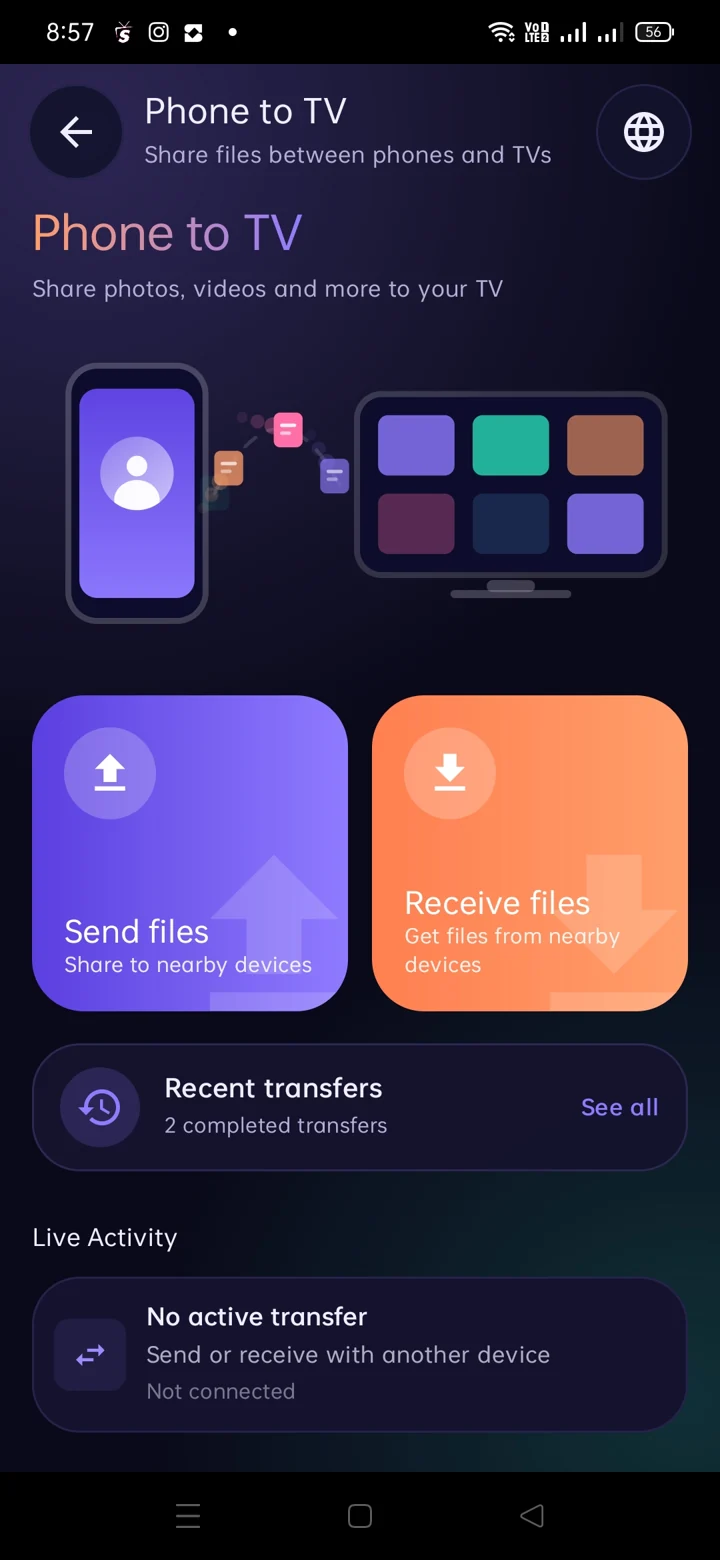
Follow these simple steps for a supported Wi-Fi or hotspot connection.
Open Circle Share on your Android phone and Android TV.
Connect both devices to a compatible local Wi-Fi network or hotspot, then use the app's connection interface.
Use the phone or TV interface to choose files and follow the on-screen connection and receiving controls.
Original screenshots from your Android TV version.
Both devices need compatible local network access. Some routers isolate devices, and TV models have different storage permissions. If a device does not appear, check that they can discover each other on the network.