INTUITIVE FILE SHARING

Share more. Think less.

Discover, select, send and receive with a clean interface built for the devices around you.

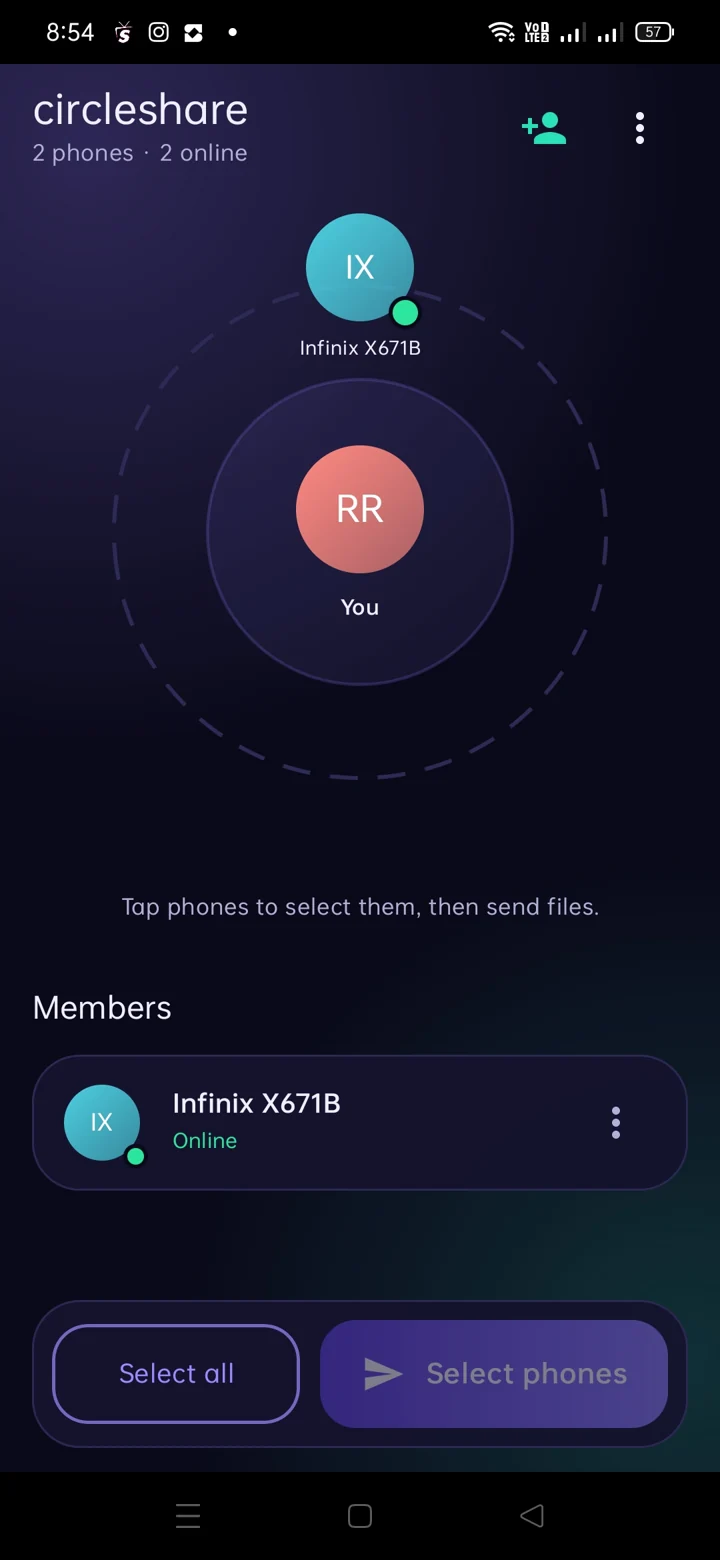
See your nearby circle

The home screen displays nearby devices and lets you select who should receive your files. Connected devices appear around your own device.

  • Device discovery on a local network
  • Familiar circle-based visual design
  • Device selection before sending
Circle Share Android mobile home displaying nearby devices around a circle

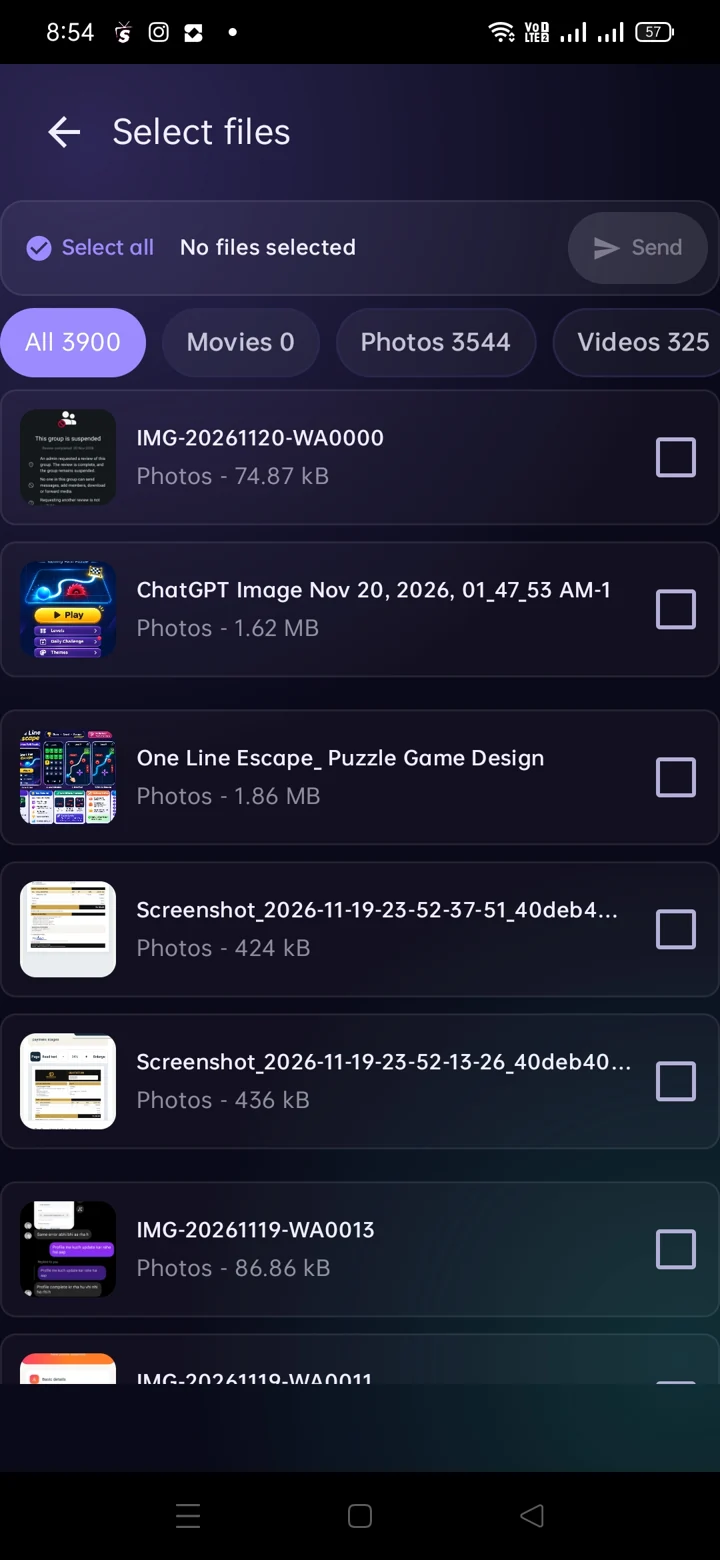
Your files, your selection

Browse supported categories including photos, video and documents, then choose the files you want to send.

  • Multiple file types
  • Select more than one file
  • Clear file selection view
Circle Share Android file picker with multiple file categories

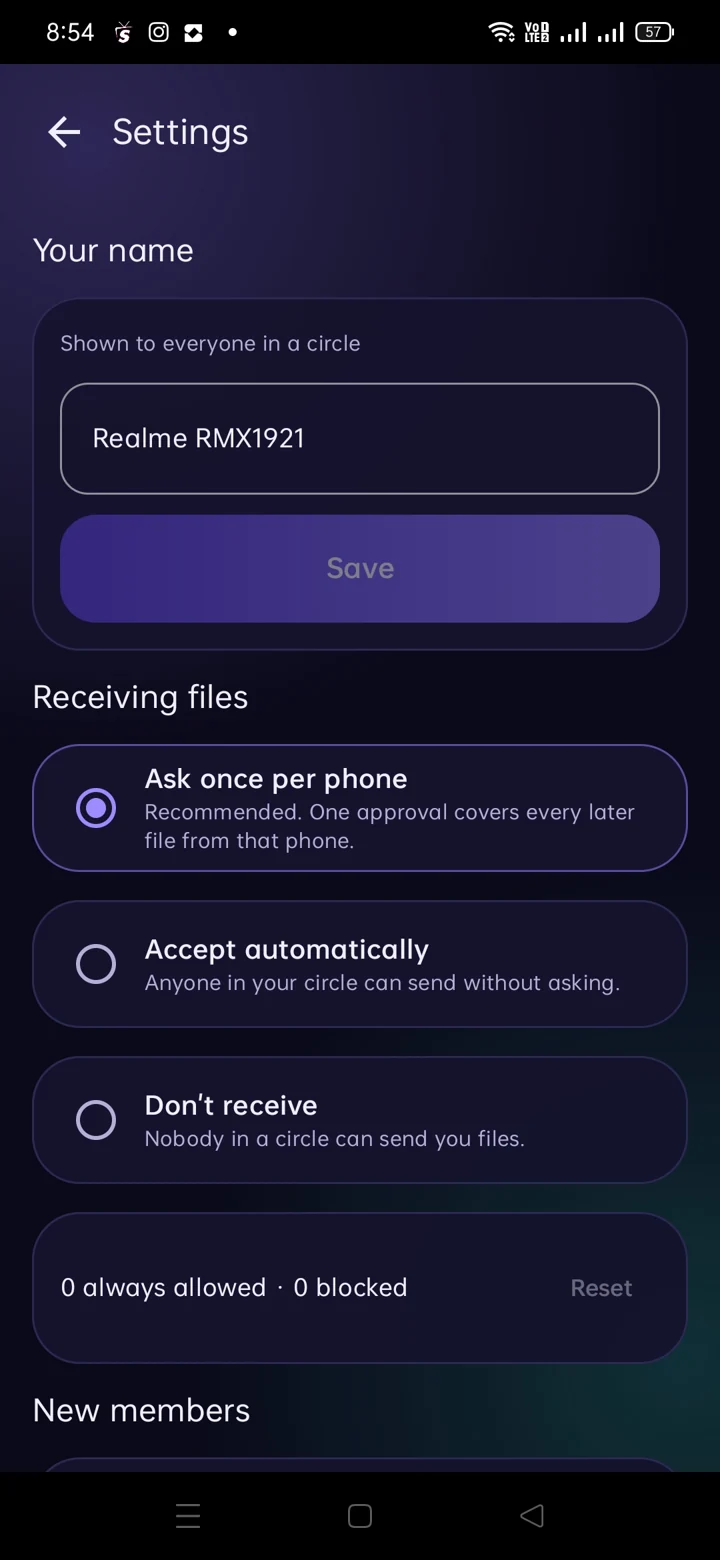
Receive on your terms

Mobile settings display options for approving incoming files, automatically accepting transfers or disabling receiving. You can also manage some device-level sharing preferences.

Tip: use approval for unfamiliar devices and networks.
Circle Share receive approval settings

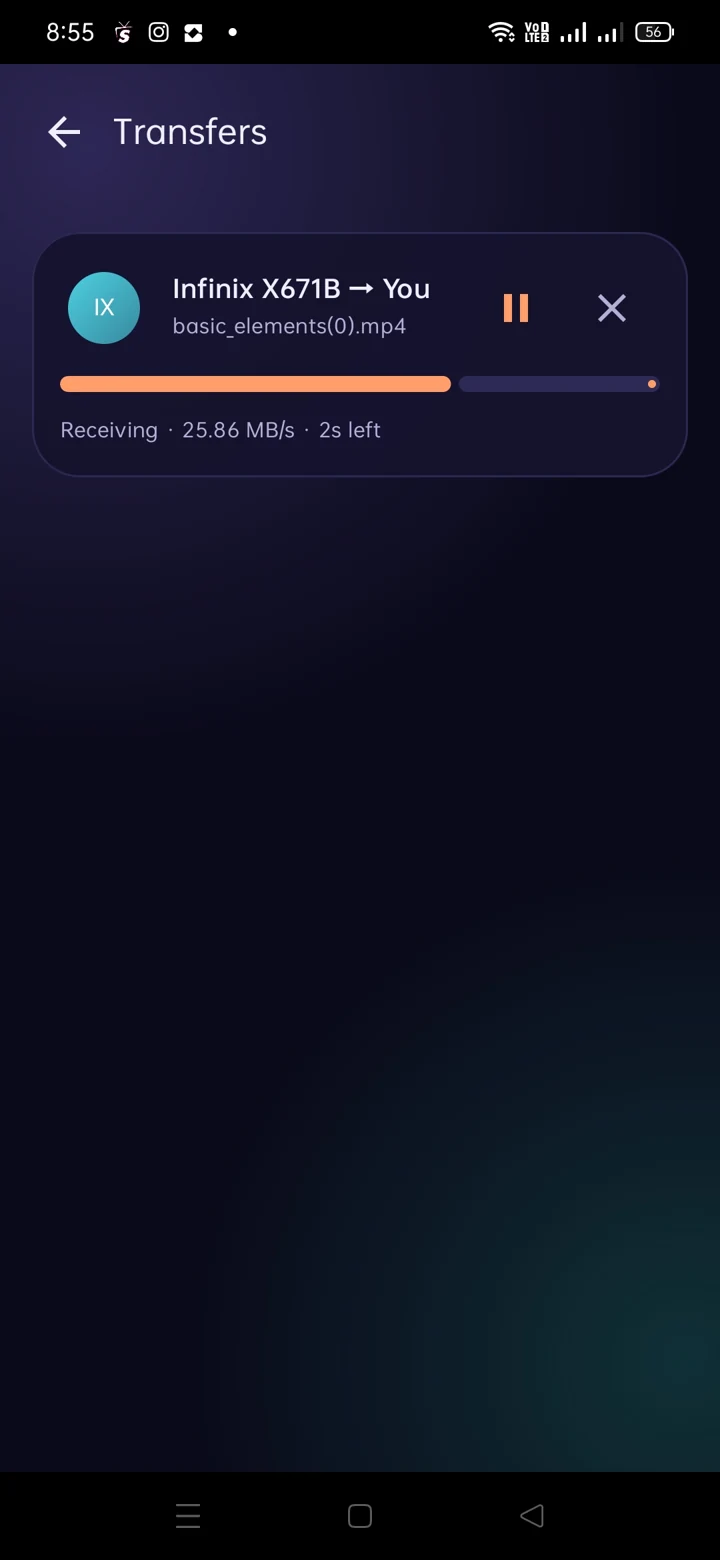
Know what is happening

The transfer screen shows in-progress activity, status and available controls. A history entry is accessible from the mobile app menu and the TV interface.

  • Progress while transferring
  • Manage active transfers
  • History access
Circle Share transfer progress screen
ANDROID TV

Bring sharing to the big screen.

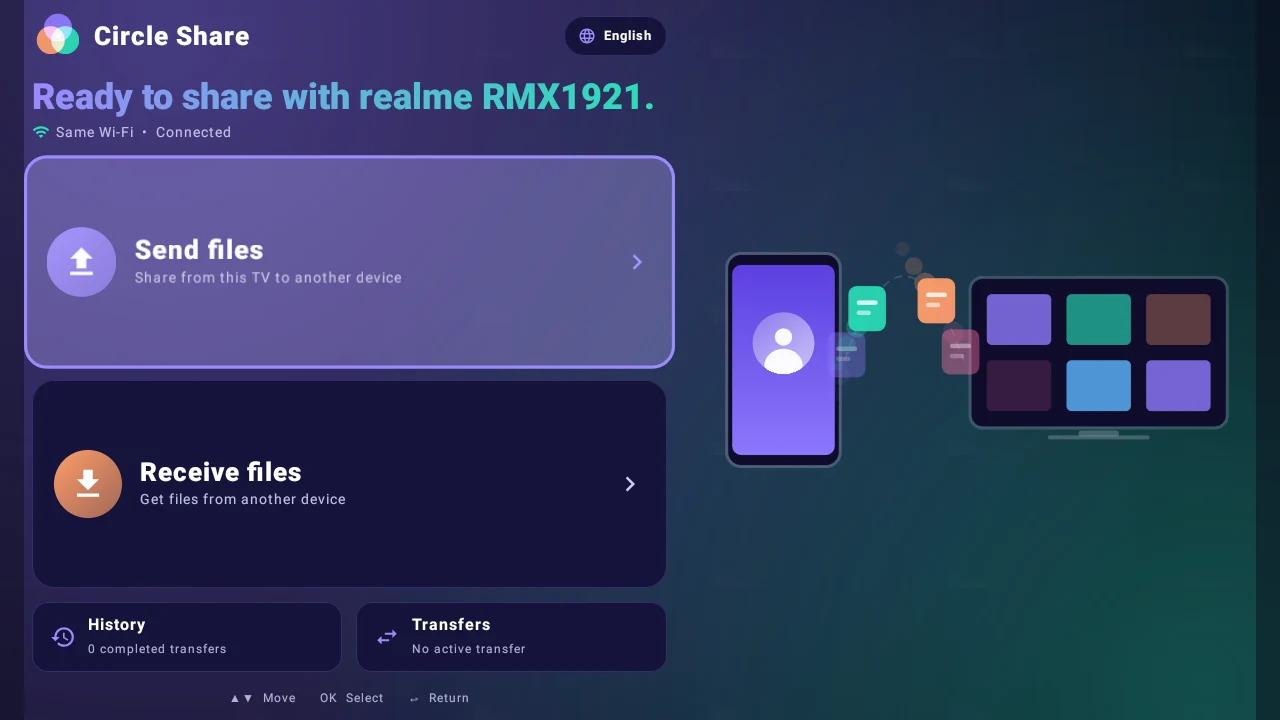
A TV-friendly interface with Send, Receive, History and Transfer Activity.

Discover the TV experience
Android TV connected phone home screen