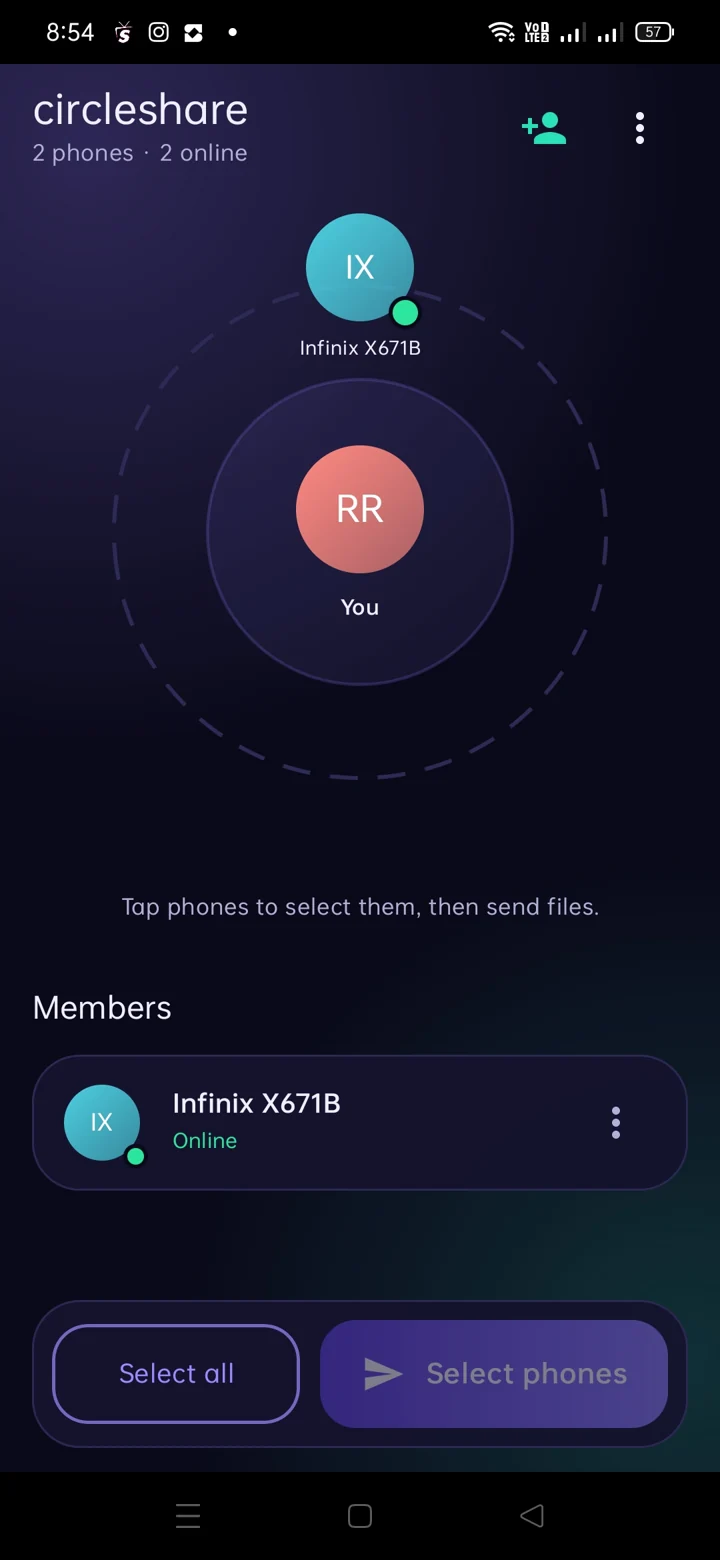
Find nearby devices
See devices in your circle when they are reachable over the local network.
Send photos, videos, documents and more between nearby Android phones and TVs. Use Wi-Fi or a hotspot. No account. No complications.
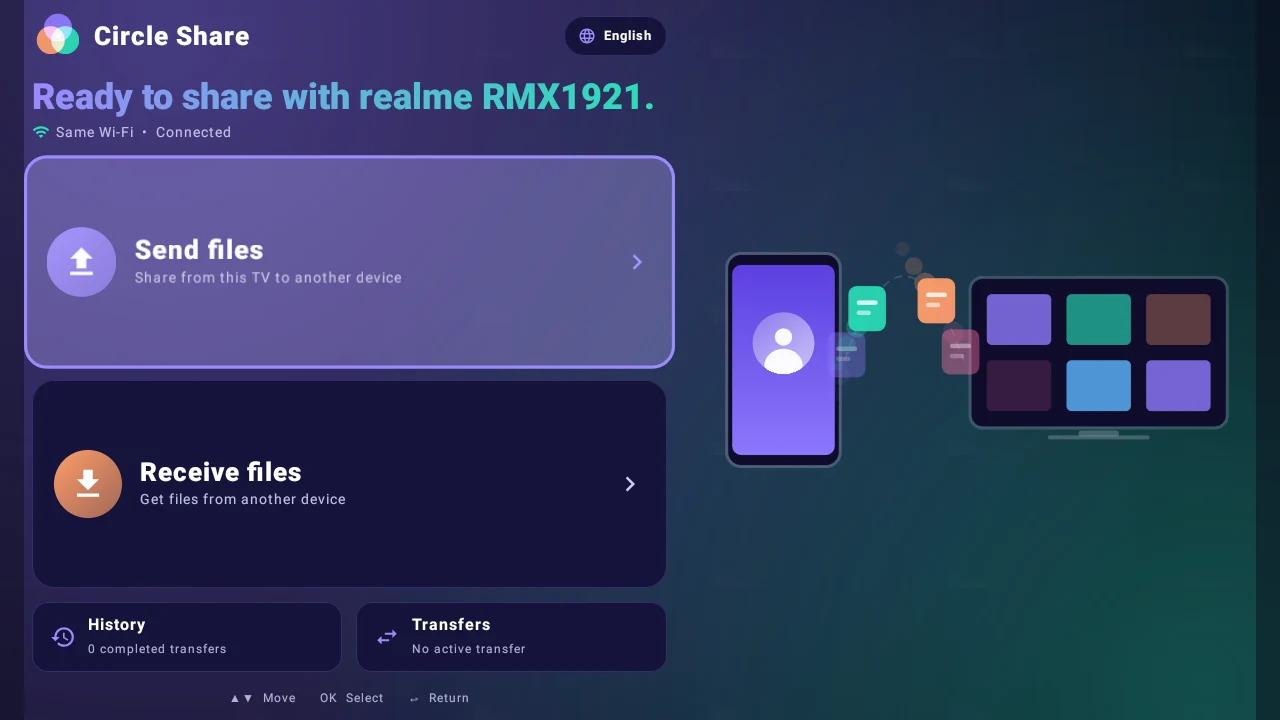
Everyday file sharing without needing to create an account or upload a file to a website.
See devices in your circle when they are reachable over the local network.
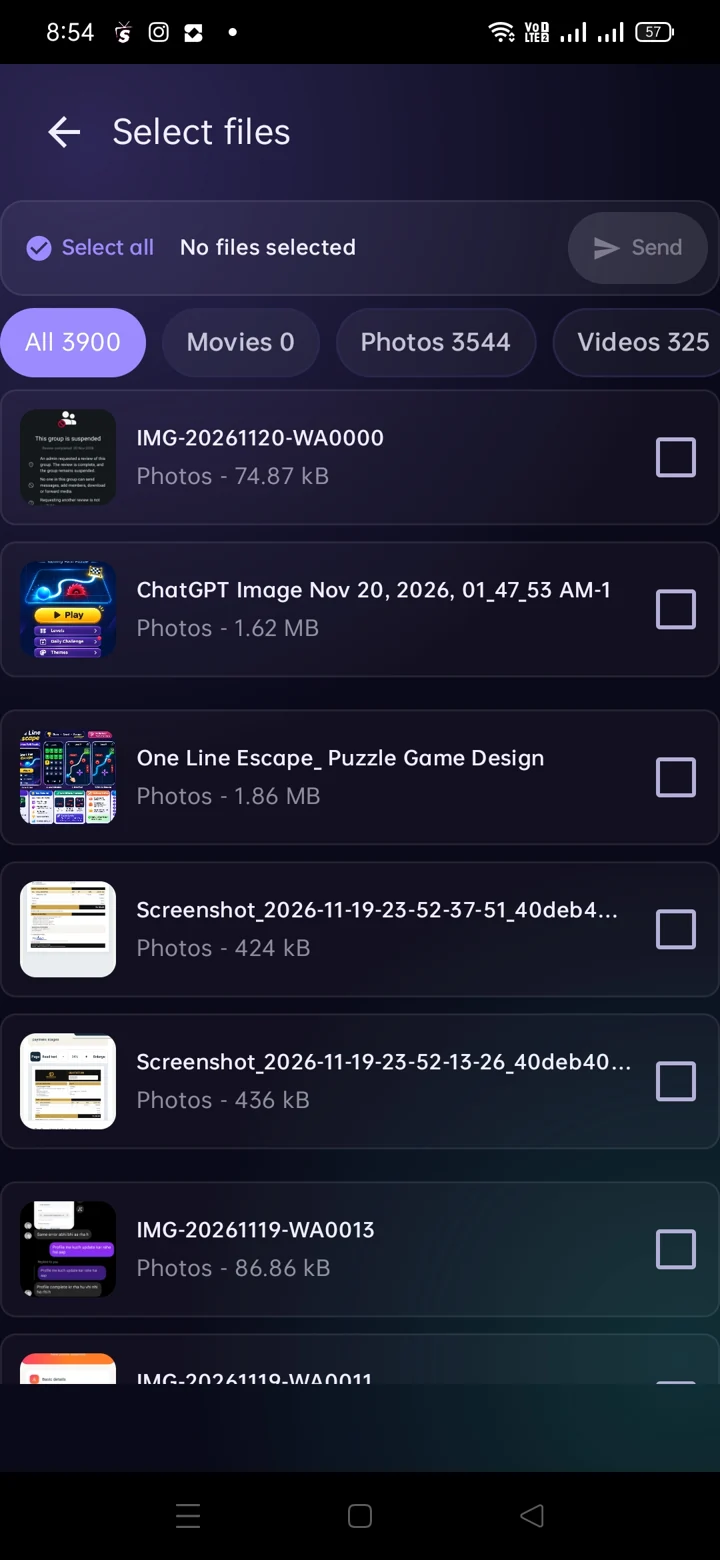
Select photos, videos, documents, ZIPs, APKs and other supported file types.
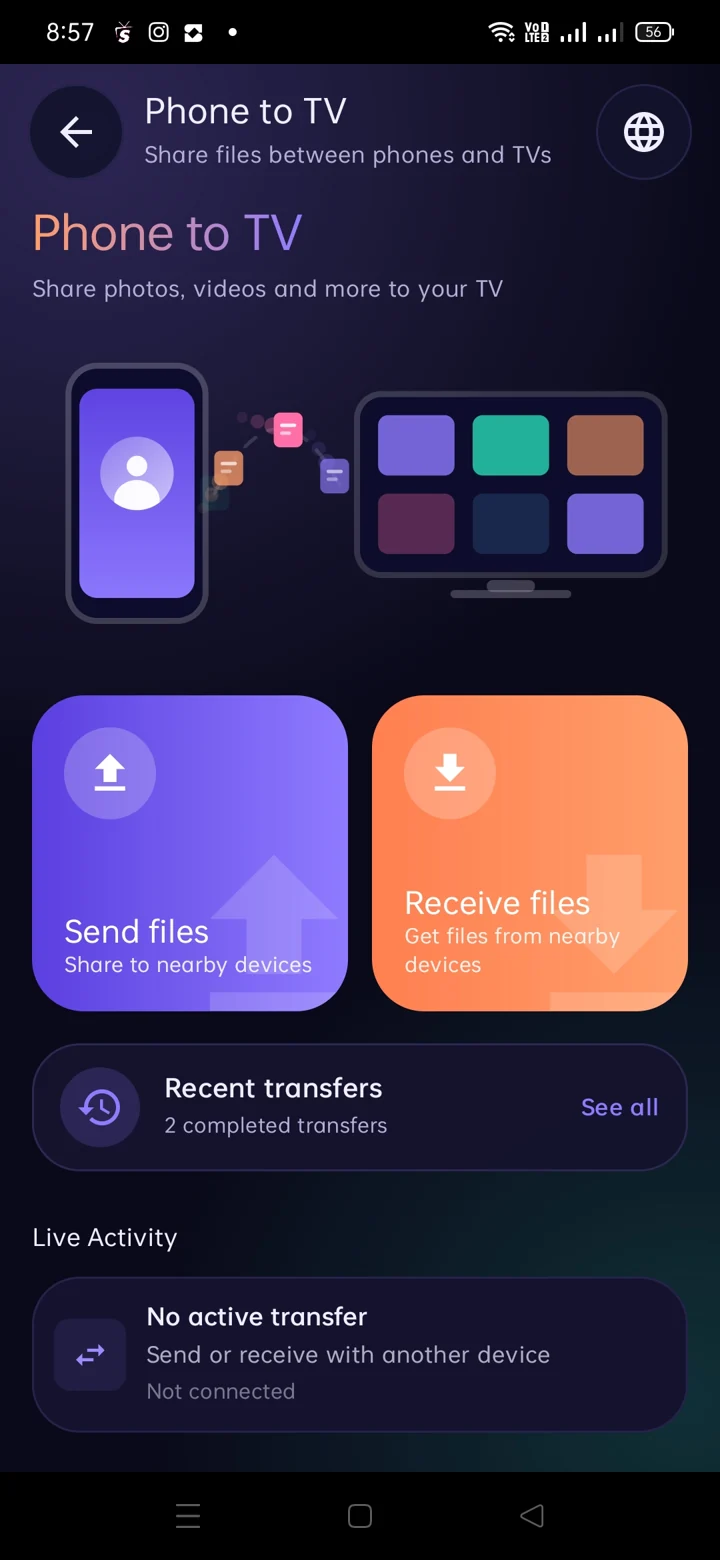
Move files between supported Android phones and Android TV devices.
Review receive settings, ask for approval or use device blocking options.
Circle Share keeps your nearby devices easy to find, your selected files clearly visible and transfer progress in one place.
Bring your devices together on Wi-Fi or a hotspot, then pick what to share.
Put your Android devices on the same Wi-Fi network or supported hotspot connection.
Choose the photos, videos or documents you want to share and select a nearby device.
Approve the transfer when required, then follow its progress inside Circle Share.
Screenshots taken directly from the Circle Share Android phone and TV apps.
Tap a screenshot to see the full image. Features may vary by app version and device.
Share across the devices you use most. Circle Share brings file sending and receiving to a TV-friendly interface.
Explore Phone to TVA few essentials before your first transfer.
No. Circle Share is designed for file sharing without sign-up or login.
Files move over your compatible local Wi-Fi or hotspot connection. Internet connectivity may still be used for advertisements or app updates.
Yes, the app includes an Android TV interface for send and receive actions. Compatibility depends on supported devices and network setup.
The mobile settings shown in the app include approval, automatic acceptance and do-not-receive options. Choose the setting that fits your needs.

Circle Share for Android phones and Android TV. The official Google Play Store listing will be linked here as soon as its verified URL is configured.